Clean Tokopedia product photos, no studio needed
Make your Tokopedia storefront look professional. Phone photos become clean square photos in seconds.
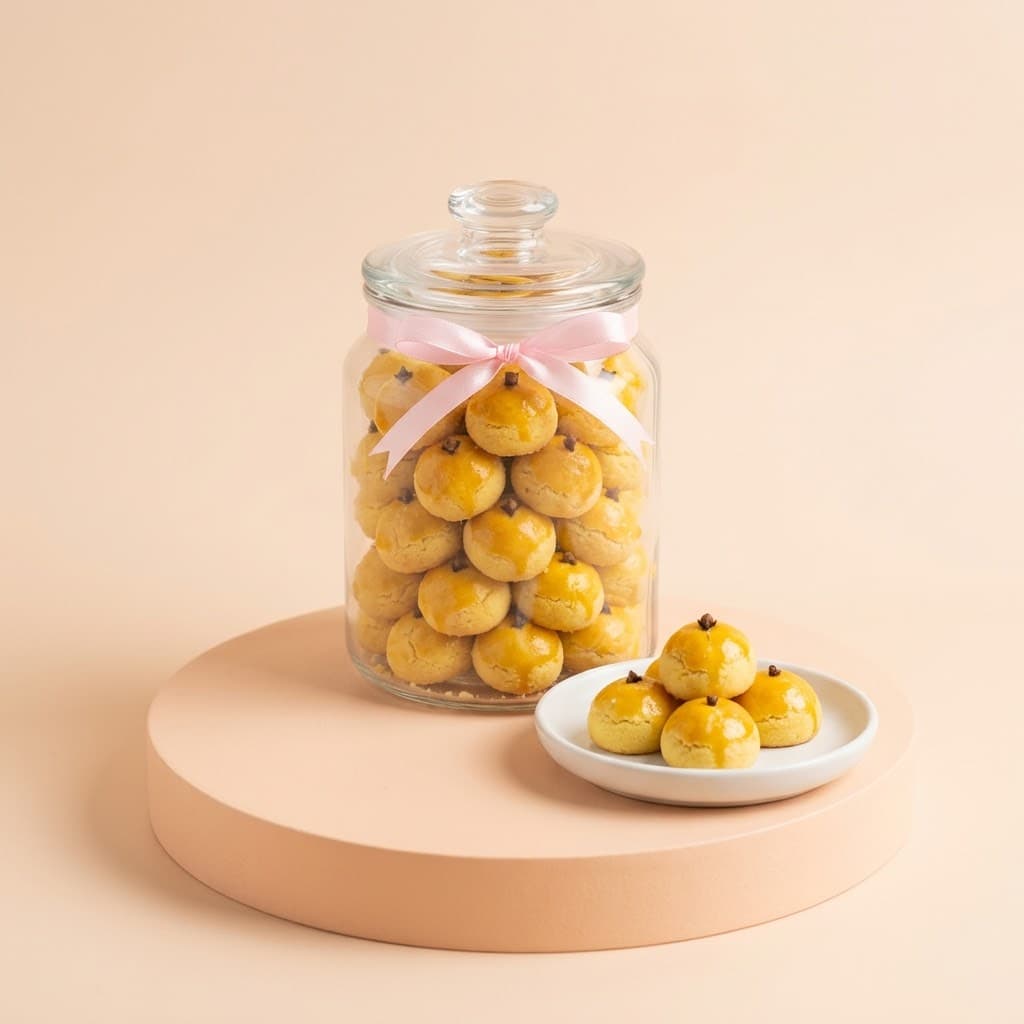

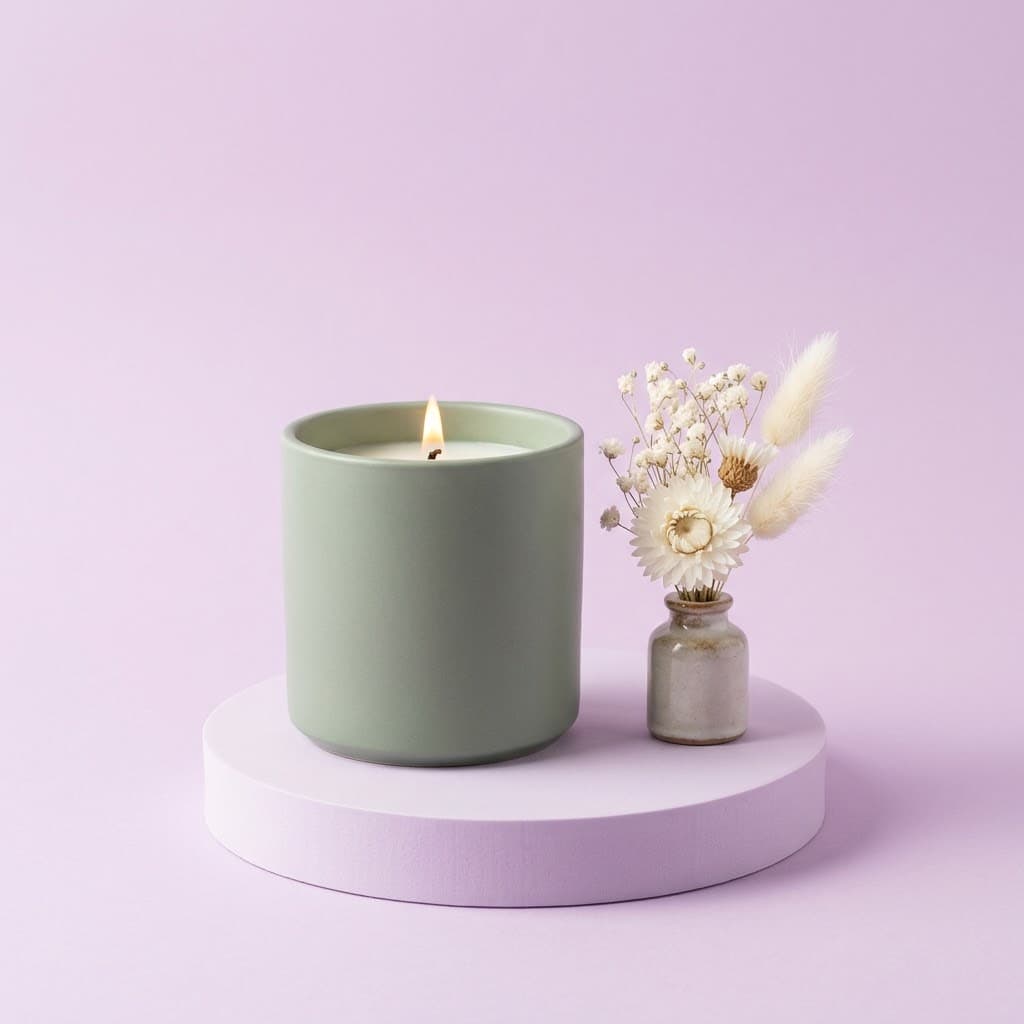
A consistent storefront looks more trustworthy
When buyers open your shop page, they see all your products at once. If the backdrops, light, and framing differ, the shop looks improvised. If they match, the shop looks serious and trustworthy.
In Etalasa you can save a favorite style and reuse it for other products, so every photo shares the same look.
Steps to make Tokopedia product photos
- Photograph the product with your phone in a bright spot.
- Upload to Etalasa and the background is removed automatically.
- Use white for the main photo and scenes for the extra photos.
- Download the square size and upload it to Tokopedia.
Save time when you have many products
Shops with dozens of products need a lot of photos. Instead of reshooting with different props, take one photo per product and apply the same style to all of them.
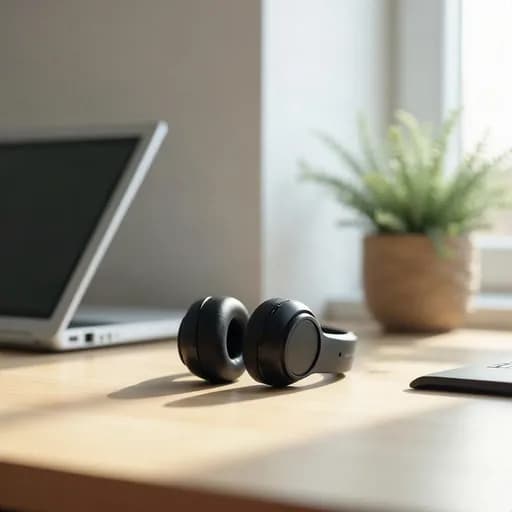
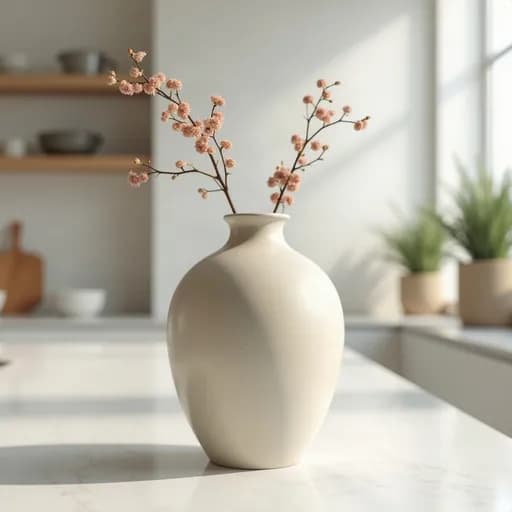
Example results from Etalasa
All made from regular phone photos. Just pick the style that fits.
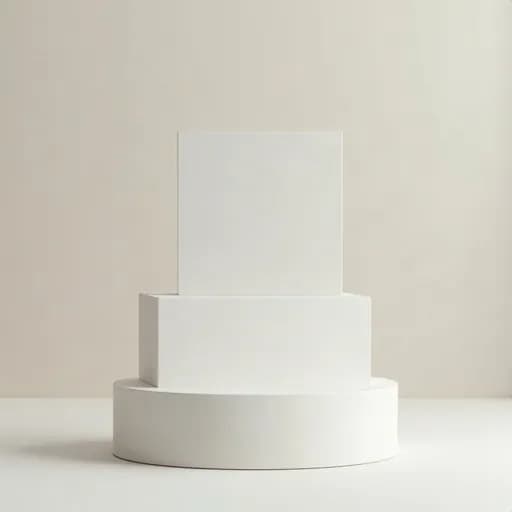
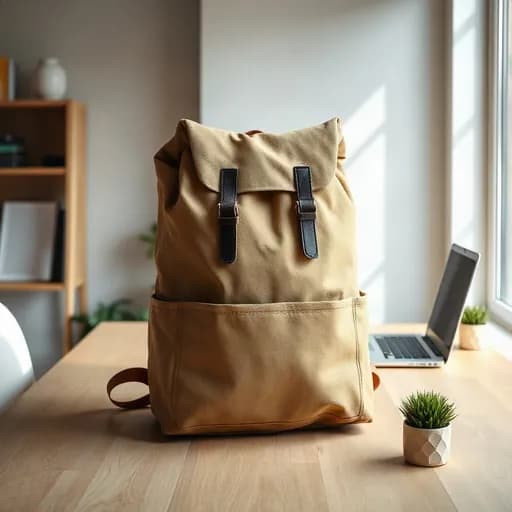
Three steps, done.
No photo editing app to learn. Everything works from your phone.
Upload a photo
Phone photos work too, even with a messy background.
Pick a look
Tap a sample you like, or describe your own.
Download
Use it right away on Shopee, Tokopedia, Instagram or WhatsApp.
Questions and answers
What sellers often ask about this topic.
What size should Tokopedia product photos be?
Tokopedia shows product photos as squares. Use a 1:1 ratio in high resolution, and check Tokopedia's seller education center for the latest rules.
Can every photo in my shop look the same?
Yes. Save a style you like as a preset and reuse it for the next products.
Do I need a credit card to try it?
No. Sign up with your Google account and start on the Free plan.
Read next
Make your shop look its best today.
Sign up with Google and start right away.
Sign up freeFree, no credit card.