Stylish shoe product photos from your phone
Sneakers, leather shoes, or sandals. Show them on a city street, a pastel display, or mid-step.
Shoes need photos that show their character
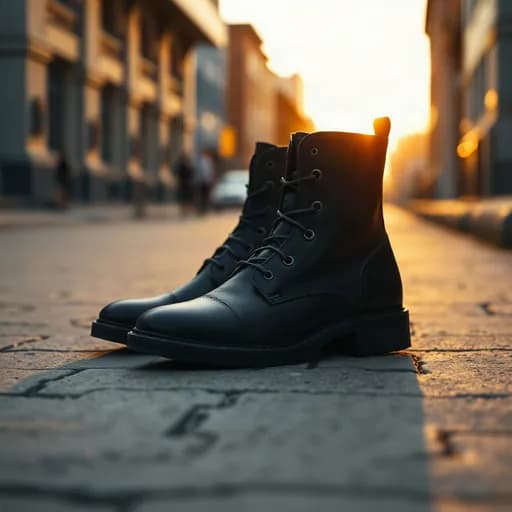
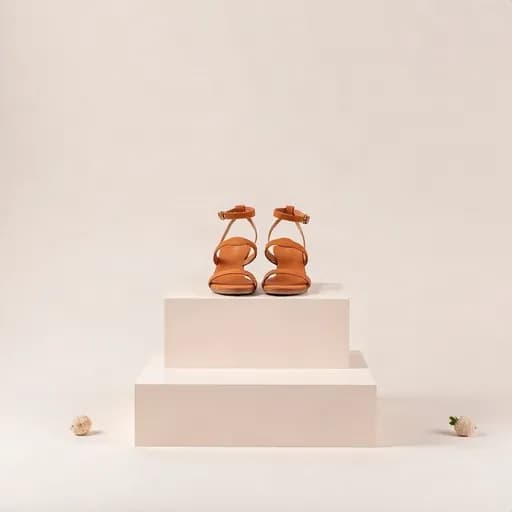
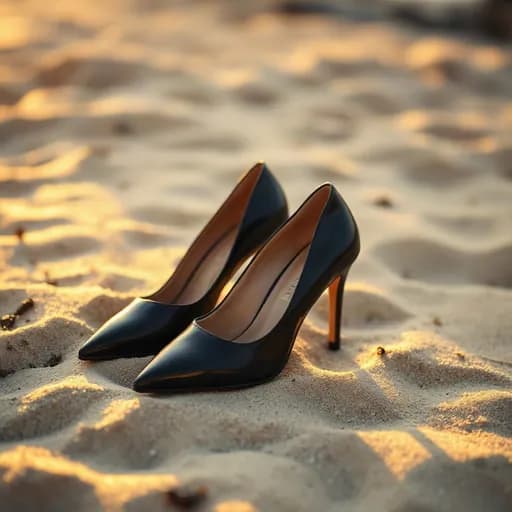
Shoes are about style, not just size. Sneakers look best on a city street, formal shoes on a dark luxurious backdrop, and sandals at the beach or in a garden.
With Etalasa, one phone photo of a shoe can be shown in a setting that matches its character.
Photo styles that suit shoes
- City street: sneakers and casual shoes.
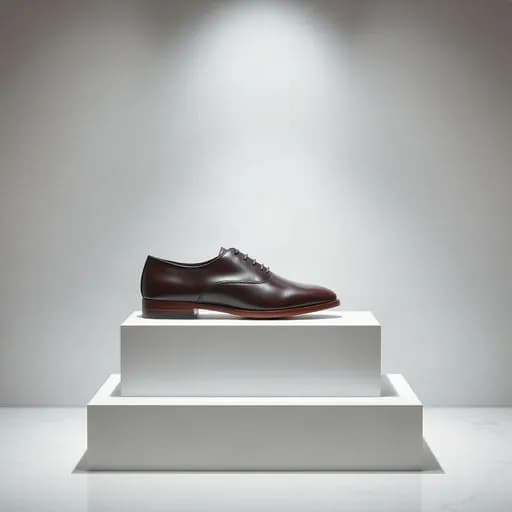
- Dark and glossy: leather and formal shoes.
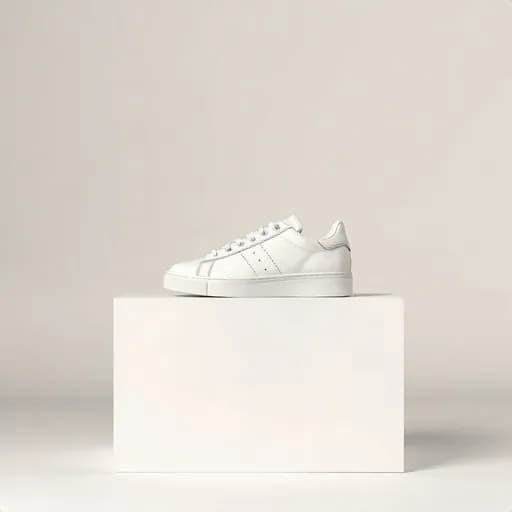
- Pastel display or on a block: a clean look for the main photo.
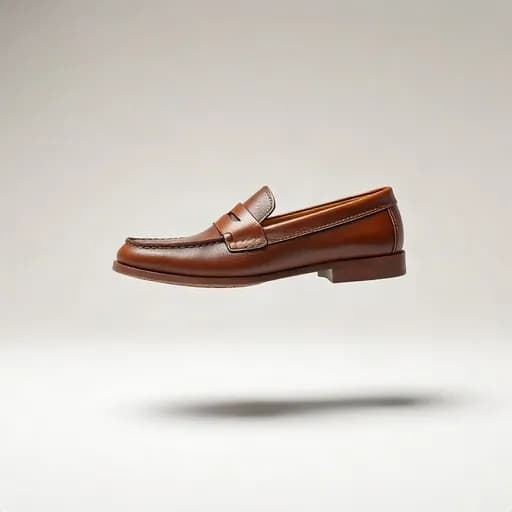
- Floating: a dynamic feel for sports shoes.
- Worn by a model: shows the shoe's shape mid-step.
Tips for shooting shoes
Clean the shoes and laces first. Stuff the inside with paper so they keep their shape. Shoot from the side at a slight angle to show the shape and design.
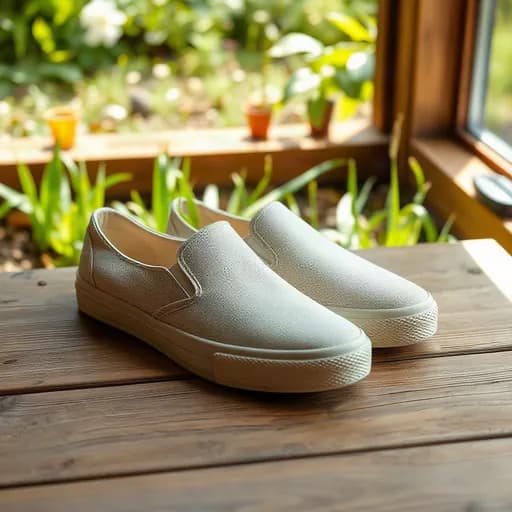
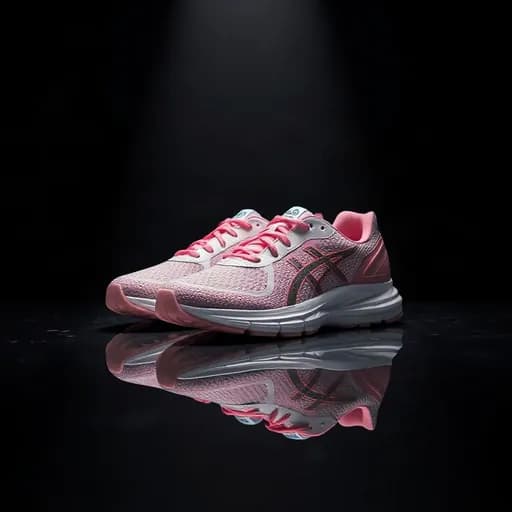
Example results from Etalasa
All made from regular phone photos. Just pick the style that fits.

Three steps, done.
No photo editing app to learn. Everything works from your phone.
Upload a photo
Phone photos work too, even with a messy background.
Pick a look
Tap a sample you like, or describe your own.
Download
Use it right away on Shopee, Tokopedia, Instagram or WhatsApp.
Questions and answers
What sellers often ask about this topic.
Can I photograph a pair at once?
Yes. Make sure both shoes are in the frame and don't cover each other too much.
Can I make photos of shoes worn by a model?
Yes. Choose the worn-by-a-person style, such as feet standing or mid-step. One photo uses 3 credits.
Which angle works best?
From the side at a slight angle usually shows the shoe's shape most clearly. You can also pick a camera angle in the editor.
Read next
Make your shop look its best today.
Sign up with Google and start right away.
Sign up freeFree, no credit card.