Change product photo backgrounds without a reshoot
Take one photo with your phone, then move your product to a cafe table, a kitchen, a garden, or a pastel display.

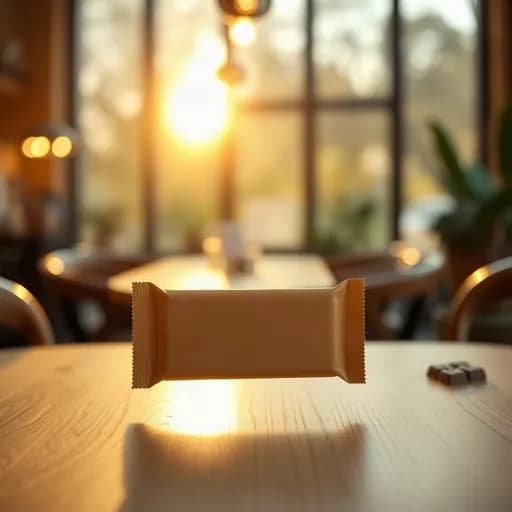

One photo, many scenes
Getting product photos in different settings used to mean buying props and shooting again. With Etalasa, one phone photo is enough. Pick the scene you want and a new photo is ready in seconds.
Light and shadows are adjusted too, so the product blends into the scene instead of looking pasted on.
Scenes you can use
Each product type has its own set of scenes, each with an example image. Just click the one closest to your shop's style.
- Plain backdrops: white, grey, or your shop colors.
- Home scenes: kitchen, living room, bedroom, terrace.
- Outdoor scenes: garden, beach, city street, picnic.
- Displays: pastel podium, marble, wood, velvet.
- Seasonal themes, such as an Eid festive mood.
Try a few styles, keep the best
Every photo comes with tries, so you can compare a few styles before choosing. The Free plan gets 3 tries per photo. The one you like is then made in HD for 1 credit.
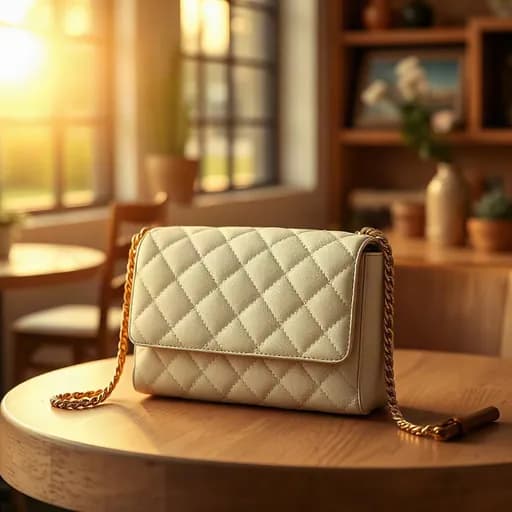
Example results from Etalasa
All made from regular phone photos. Just pick the style that fits.



Three steps, done.
No photo editing app to learn. Everything works from your phone.
Upload a photo
Phone photos work too, even with a messy background.
Pick a look
Tap a sample you like, or describe your own.
Download
Use it right away on Shopee, Tokopedia, Instagram or WhatsApp.
Questions and answers
What sellers often ask about this topic.
Does my product change when the background changes?
Etalasa keeps your product close to the original. What changes is the backdrop, light, and mood, so the result looks like one real photo.
How long does one photo take?
Usually just a few seconds per try. The HD version is also ready in seconds.
Can I change the background more than once?
Yes. Every photo has tries based on your plan. When they run out, 1 credit = +5 tries for that photo.
Make your shop look its best today.
Sign up with Google and start right away.
Sign up freeFree, no credit card.