AI fashion model photos, no model to hire
Photograph your clothing on a hanger or the floor, then see it worn by a model on a studio backdrop.
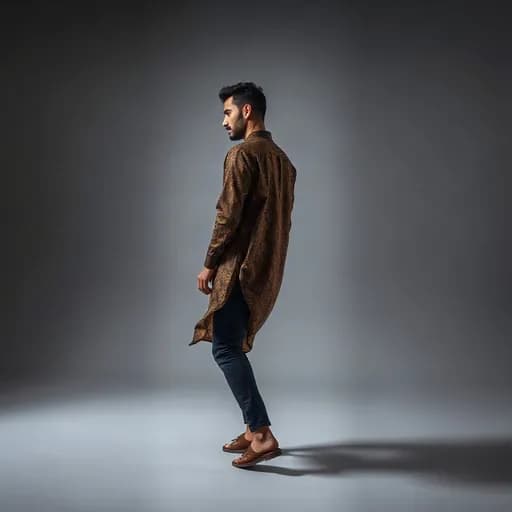
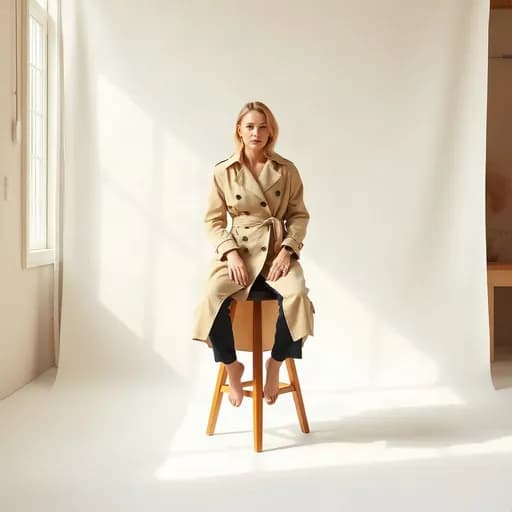
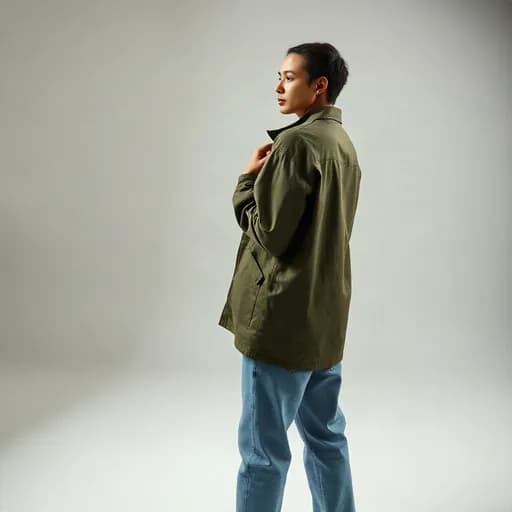
Buyers want to see how clothes look when worn
A shirt on a hanger hardly shows its cut or how the fabric falls. On-model photos help buyers picture the size and style, so they buy with more confidence.
The catch: hiring a model and a photographer is expensive and slow. For shops with many products, the cost adds up fast.
How to make on-model photos in Etalasa
Choose the "Worn by a person" style in the editor, then pick a pose. Etalasa shows your clothing worn by a model on the backdrop you choose.
- Upload a photo where the clothing is complete and tidy.
- Pick the worn-by-a-person style, then a pose: walking, standing, sitting, or waist up.
- Pick a backdrop: plain studio or scenes like a bedroom or a terrace.
- Download the result. One on-model photo uses 3 credits.
Not just clothing
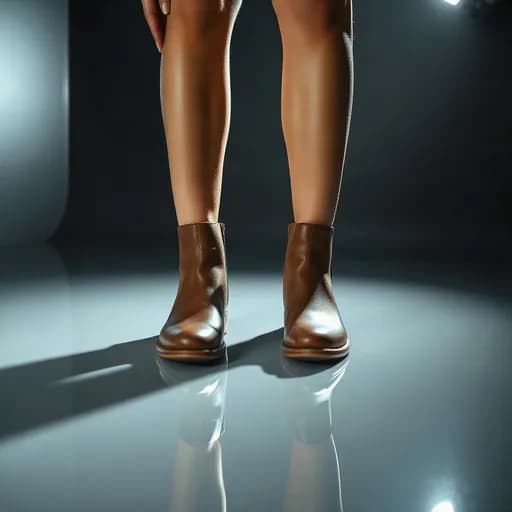
The worn-by-a-person style also works for bags, shoes, accessories, and beauty products. Bags on the shoulder, shoes mid-step, skincare held near the face.
Example results from Etalasa
All made from regular phone photos. Just pick the style that fits.



Three steps, done.
No photo editing app to learn. Everything works from your phone.
Upload a photo
Phone photos work too, even with a messy background.
Pick a look
Tap a sample you like, or describe your own.
Download
Use it right away on Shopee, Tokopedia, Instagram or WhatsApp.
Questions and answers
What sellers often ask about this topic.
Is the model a real person?
No. The model is generated by AI, so there is no one to hire or get permission from. The face does not copy any specific person.
How many credits does one on-model photo use?
3 credits per photo. The Seller plan gets 5 credits and the Pro plan 9 credits every day.
What clothing photo gives the best result?
A bright photo of unwrinkled clothing, shown complete from the front. Hanging or laid flat on the floor both work.
Read next
Make your shop look its best today.
Sign up with Google and start right away.
Sign up freeFree, no credit card.