Clean clothing product photos for online selling
Laid flat from above, hanging on a rack, on a mannequin, or worn by a model. All from one phone photo.
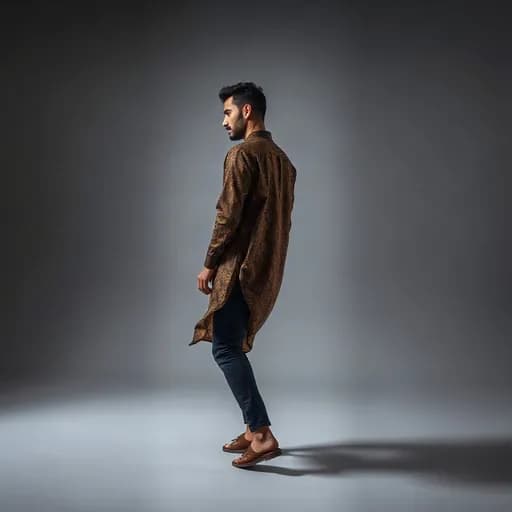
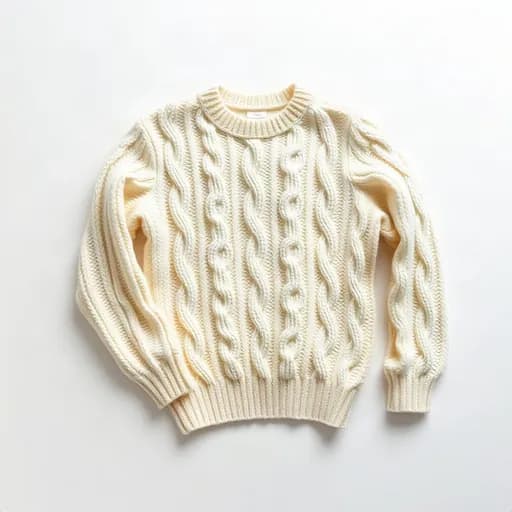
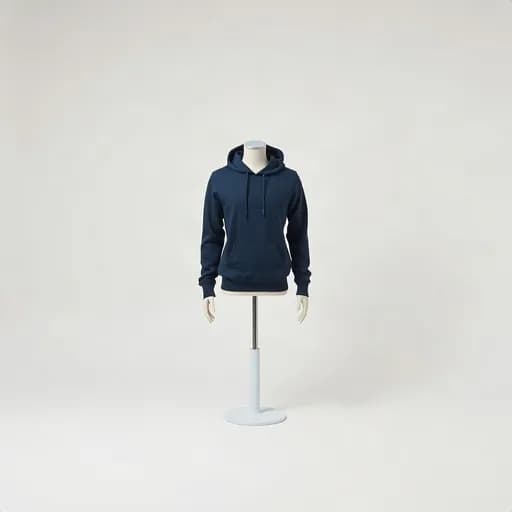
Fashion buyers want to see details and shape
With clothing, buyers want the true color, fabric, cut, and how it looks when worn. Wrinkled, dark photos or a messy bedroom backdrop make them hesitate.
With Etalasa you can show one piece of clothing in several ways, so buyers get the full picture.
Four ways to show clothing
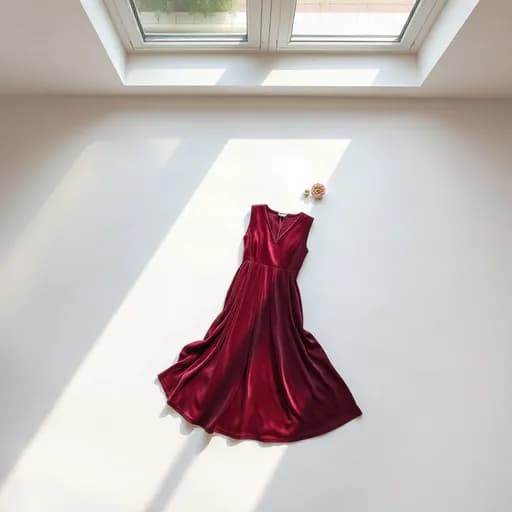
- Laid flat from above: neat and clear, great for the main photo.
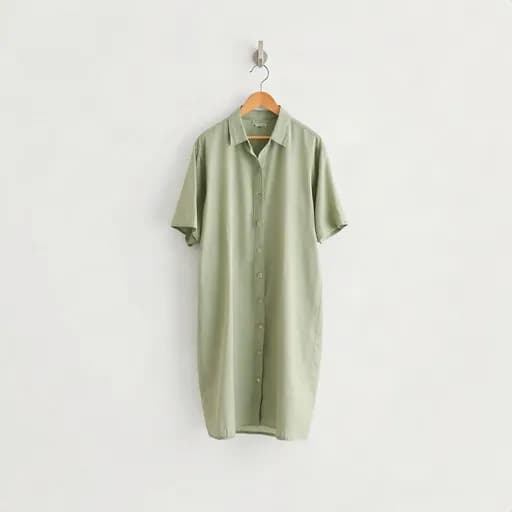
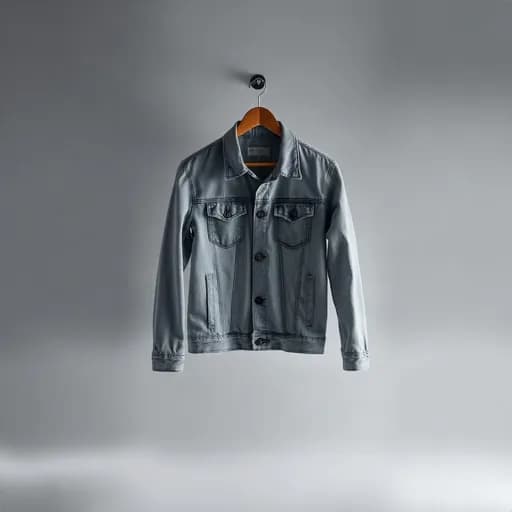
- Hanging on a rack or wall: gives a boutique feel.
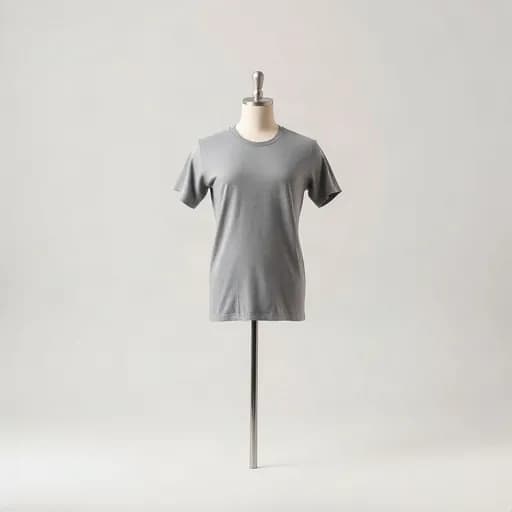
- On a mannequin: shows the shape without a model.
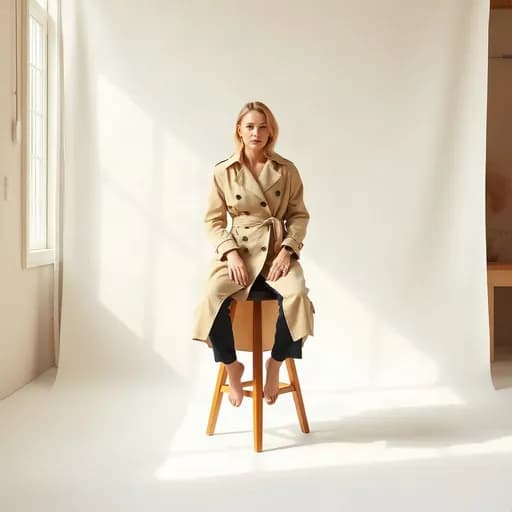
- Worn by a model: helps buyers picture size and style.
Tips for shooting clothing with a phone
Iron or smooth the clothing first. Lay it on the floor or hang it on a plain wall, then shoot from the front in daylight. Keep the whole piece in frame, including sleeves and hem.
Example results from Etalasa
All made from regular phone photos. Just pick the style that fits.
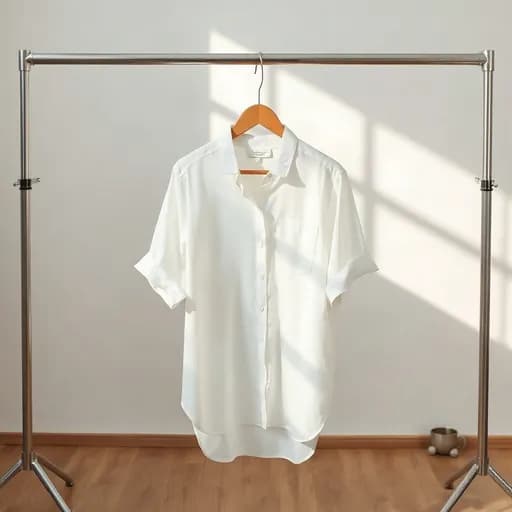
Three steps, done.
No photo editing app to learn. Everything works from your phone.
Upload a photo
Phone photos work too, even with a messy background.
Pick a look
Tap a sample you like, or describe your own.
Download
Use it right away on Shopee, Tokopedia, Instagram or WhatsApp.
Questions and answers
What sellers often ask about this topic.
Can I make photos of clothing worn by a model?
Yes. Choose the worn-by-a-person style with a walking, standing, sitting, or waist-up pose. One photo uses 3 credits.
Will the clothing color stay true?
Etalasa tries to keep colors and patterns. A photo with enough daylight helps colors stay accurate.
Does it work for hijabs, pants, and accessories?
Yes. Besides clothing, Etalasa also has styles for bags, shoes, and accessories.
Read next
Make your shop look its best today.
Sign up with Google and start right away.
Sign up freeFree, no credit card.