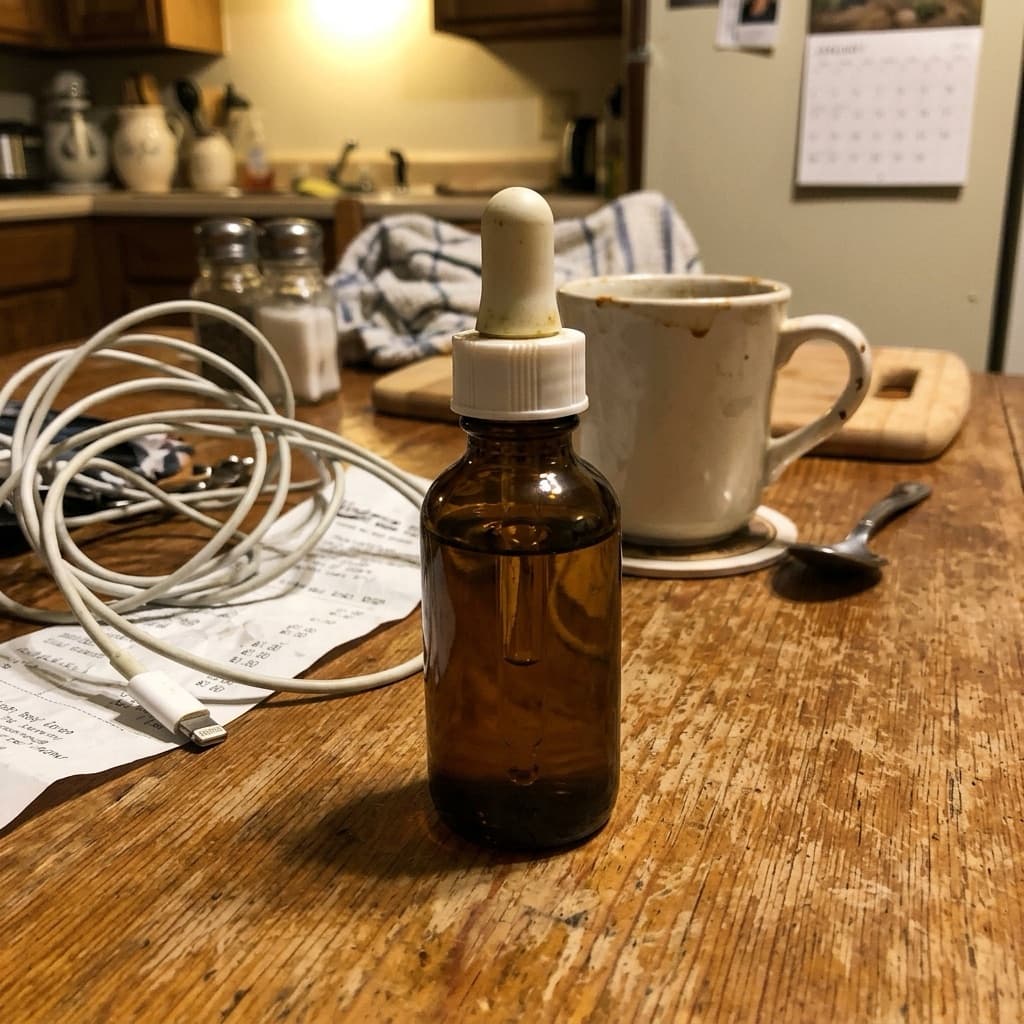

1. Find natural window light
Light is the key to product photos. The easiest setup: place the product near a window during the day, with light coming from the side. Avoid direct sunlight because it creates harsh shadows.
Turn off room lights so light colors don't mix. If the side away from the window is too dark, bounce light back with white paper or cardboard.
2. Clean the product and its surroundings
Dust, fingerprints, and price stickers show up clearly in photos. Wipe the product before shooting. Clear other items away so they don't end up in the frame.
3. Set up your phone camera
- Wipe the camera lens. Fingerprints make photos blurry and hazy.
- Skip digital zoom. Move the phone closer instead.
- Tap the product on screen so focus and exposure follow it.
- Turn off the flash. It creates glare and harsh shadows.
- Hold the phone with both hands or rest it on something steady.
4. Choose an angle that shows the shape
For most products, a straight-on shot at eye level is enough. Flat products like clothing, accessories, or food on a plate usually look better from above. Shoes and bags look best from the side at a slight angle.
Take a few shots from different angles, then keep the clearest one.
5. Clean up the backdrop and mood in Etalasa
Once your photo is bright and sharp, the hard part is done. A messy background is fine. Upload it to Etalasa, the background is removed automatically, then pick plain white or a scene that suits your product.