Remove product photo backgrounds, free and automatic
Upload a photo from your phone and the background disappears on its own. Your product is ready for a new backdrop.

Why remove the background from product photos?
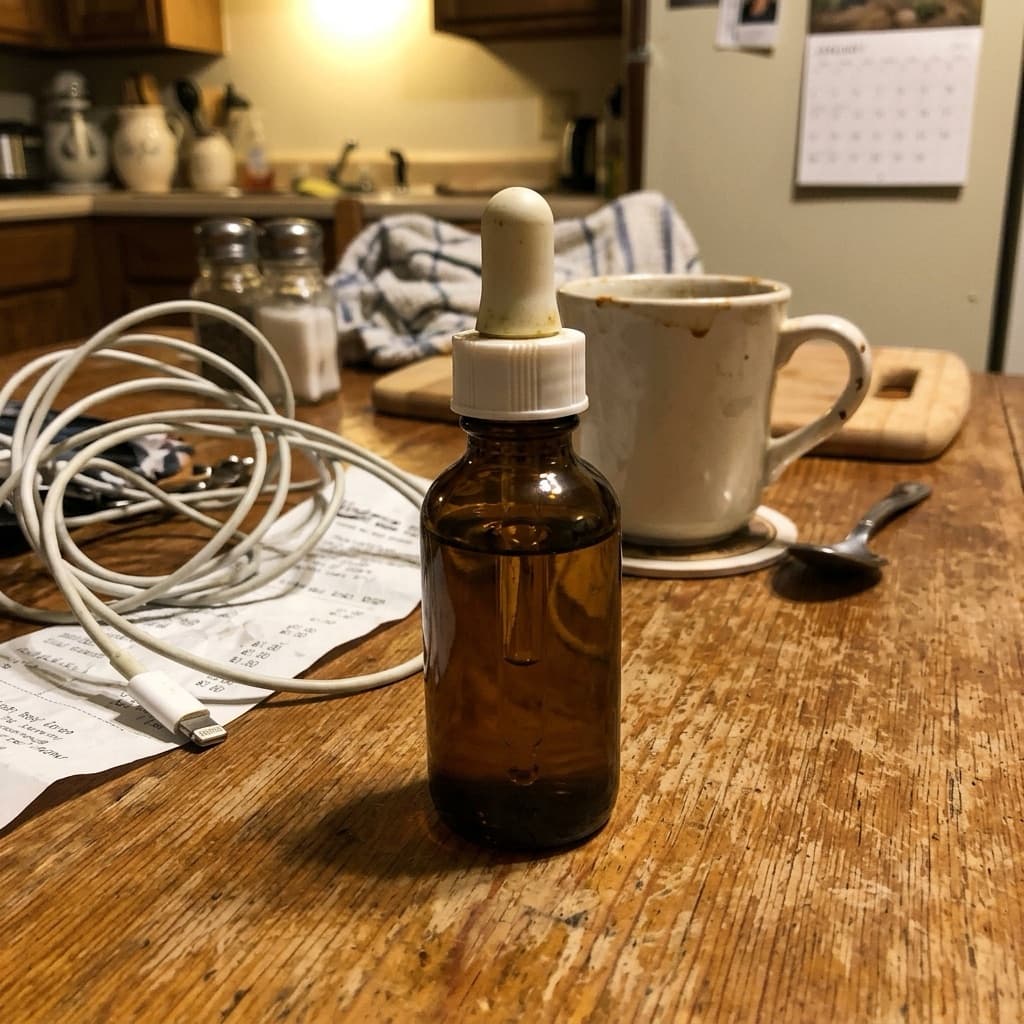
Product photos taken at home often show the table, cables, or other clutter. Buyers struggle to focus on your product, and your shop looks less tidy than the one next to it.
Removing the background puts the product front and center. Then you can place it on plain white, your shop colors, or a scene that suits the product.
How to remove a product photo background in Etalasa
No tracing around the product with your finger. Etalasa finds the product in the photo and separates it from the background automatically, usually within seconds.
- Sign up with your Google account and upload a product photo from your phone.
- The background is removed right away, free and unlimited.
- Pick a new backdrop: plain white, a color, or a scene like a cafe or a garden.
- Download the result for Shopee, Tokopedia, TikTok Shop, or WhatsApp.
Tips for a clean result
The best results come from bright, sharp photos. You don't need a studio, just a few small habits.
- Shoot near a window for enough light.
- Keep the whole product in the frame, nothing cut off.
- Avoid a background in the exact same color as the product.
- Hold your phone steady so the photo isn't blurry.
Example results from Etalasa
All made from regular phone photos. Just pick the style that fits.
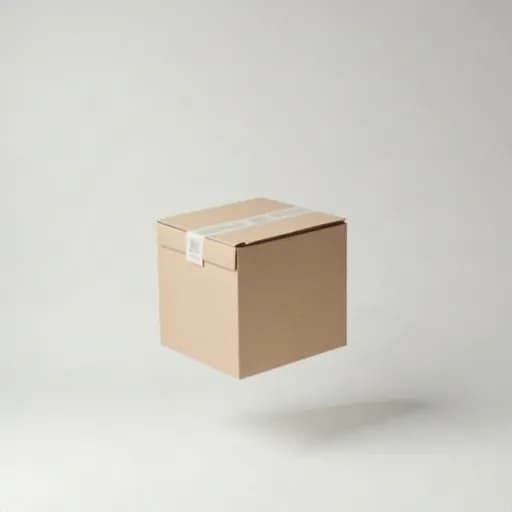

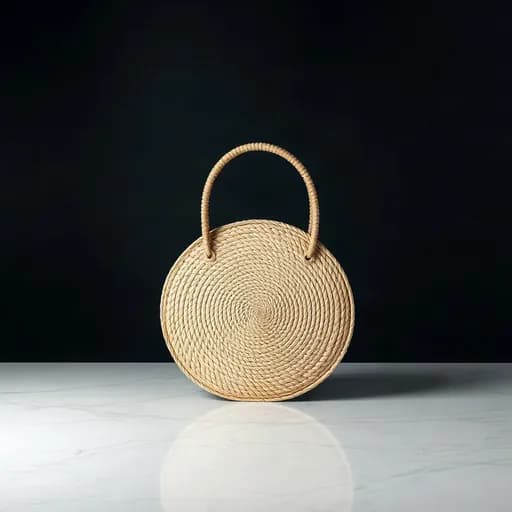
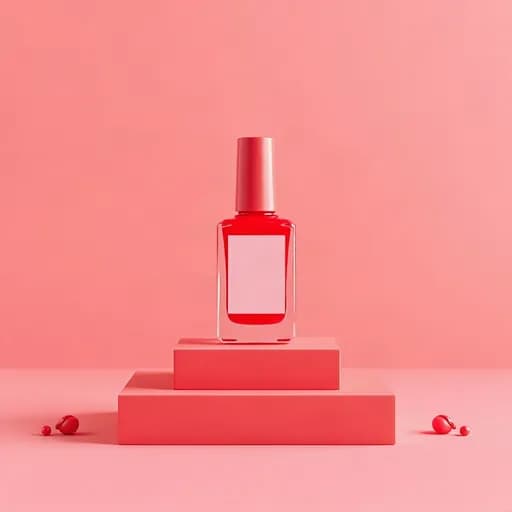
Three steps, done.
No photo editing app to learn. Everything works from your phone.
Upload a photo
Phone photos work too, even with a messy background.
Pick a look
Tap a sample you like, or describe your own.
Download
Use it right away on Shopee, Tokopedia, Instagram or WhatsApp.
Questions and answers
What sellers often ask about this topic.
Is background removal in Etalasa really free?
Yes. Background removal is free forever on every plan, including Free. Credits are only used for HD photos.
Does it work with regular phone photos?
Yes. Etalasa is built for phone photos. Keep the product clear, well lit, and fully in frame.
What can I replace the background with?
Plain white, your shop colors, or scenes like a cafe table, a kitchen, a garden, or a pastel display. Just pick one.
Read next
Make your shop look its best today.
Sign up with Google and start right away.
Sign up freeFree, no credit card.